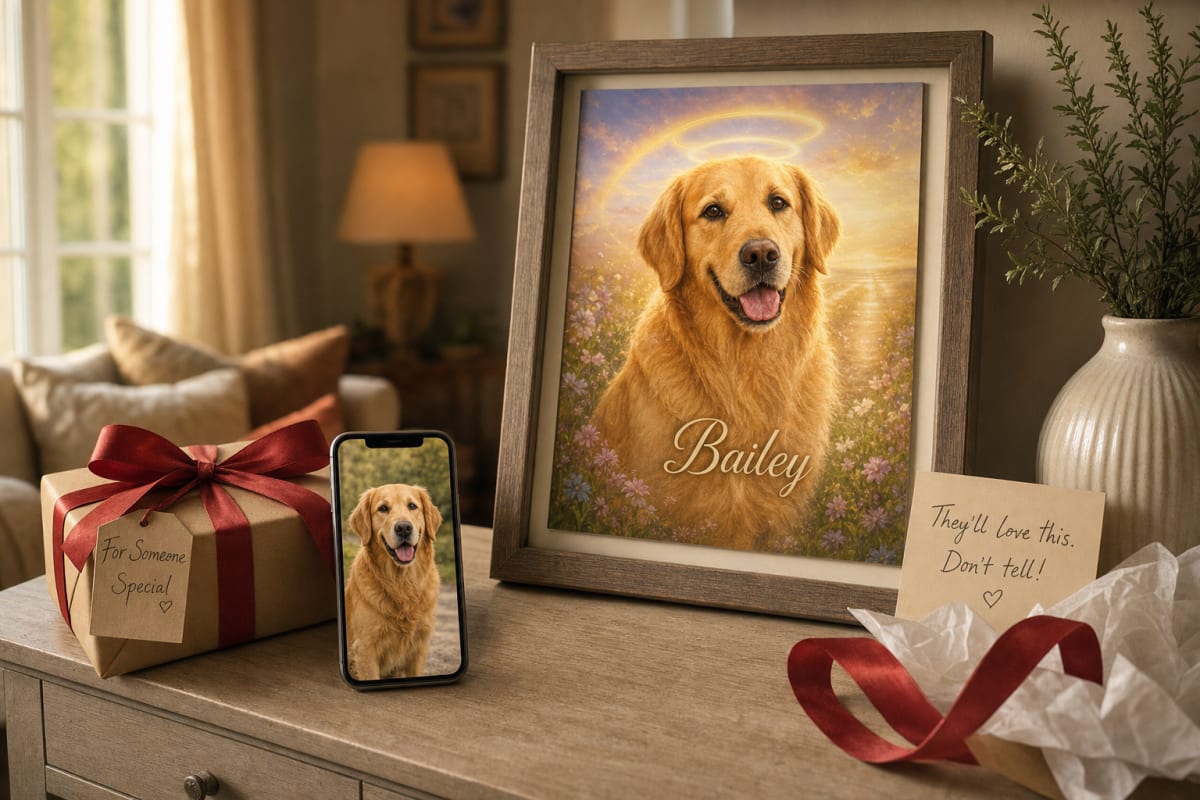
You've decided to gift a custom pet portrait. Maybe it's for a birthday, a housewarming, or just because. The catch? You need a good photo of the pet, and you can't ask directly without ruining the surprise.
I've been there. When I wanted to surprise my sister with a portrait of her golden retriever, I spent a week trying to get a decent photo without her catching on. It's a delicate dance, but it's doable. Here's how to pull it off.
Start with shared albums and cloud storage
If you're close to the pet parent, you might already have access to a goldmine: shared photo albums, Google Photos, iCloud, or even a family Dropbox. People often forget how many photos they've shared over the years. Scroll through and look for one that captures the pet's personality.
What you're looking for is a clear, well-lit photo where the pet's face is visible and not too small in the frame. A photo where the pet is looking at the camera is ideal, but a candid shot with a goofy expression can work just as well. The key is that the face is sharp and the lighting is decent, so the AI can work its magic.
If you find a few good candidates, download them to your phone or computer. Just be careful not to accidentally like or comment on them, which could tip off the owner.
Ask family and friends for help
Another route: enlist a mutual friend or family member who is in on the surprise. They can snap a photo of the pet when they're visiting, or they might already have a great one on their phone. This is especially handy if you live far away and can't get a photo yourself.
When you ask, be specific about what you need. Say something like, "I'm working on a surprise for [name] and need a clear photo of [pet's name] from the front, with good light." That way, they know what to look for. And remind them to keep it a secret.
If the friend is visiting the pet's home, they can take a photo while the pet is sitting or lying down, maybe with a treat to get their attention. A photo taken at the pet's eye level often works well.
Mine social media without leaving a trace
Social media is a treasure trove of pet photos. The trick is to get one without alerting the owner. If their profile is public, you can save a photo directly. If it's private, you might be out of luck unless you're already friends.
Here's a subtle approach: use a separate account or a friend's account to view their profile. Take a screenshot of a photo that looks promising. But be careful: some apps notify the user when you screenshot a story or a post. To be safe, use a browser on a computer or an incognito window to view their public profile, then right-click and save the image.
Also, consider the pet's own account. Many pets have their own Instagram or Facebook pages, and those are often public. You can search for the pet's name or hashtags like #goldenretriever, but that might be a long shot. The point is to find a photo that's clear and recent.
What makes a photo usable for a portrait?
Not every photo will work well for a pet portrait from photo. You want a photo where the pet's face is the focus, with good lighting and minimal background clutter. Here are some things to look for:
- Clear face: The pet's eyes, nose, and mouth should be visible and in focus. A photo where the pet is looking away or has its face partially hidden won't work as well.
- Decent light: Natural light is great. Avoid photos with harsh shadows, red-eye, or dim lighting that makes the pet hard to see.
- High resolution: A photo that's at least 1MB or 1000px on the longest side will give the AI more detail to work with. A blurry or pixelated photo will result in a blurry portrait.
- Single pet: Our portraits are designed for one pet per photo. If the photo has multiple pets, the AI may struggle to isolate the one you want. So pick a photo with just the one pet.
If you're unsure whether a photo will work, you can always try it. The site lets you see an instant preview before you pay, and you can regenerate or swap photos until you're happy. That's the beauty of the process.
What if you can't find a good photo?
Sometimes, despite your great efforts, you just can't find a photo that works. Maybe the pet is new, or the owner doesn't post many photos. In that case, consider asking the owner directly, but frame it as something else. For example, you could say, "Hey, I'm making a photo album for [event], can you send me a few of your favorite pictures of [pet]?" That way, you get the photos without revealing the real purpose.
Or, if you're really stuck, you could reach out to our support team. We can help you with custom requests, including multi-pet portraits (coming soon) or other special needs. Just keep in mind that there may be a small custom fee, but we're happy to help you create the great gift.
The moment of reveal
Once you have the photo and you've ordered the portrait, the hardest part is waiting. But when you finally present it, the look on their face will be worth it. I've seen people cry, laugh, and hug their pet's portrait like it's the real thing. It's a moment that stays with you.
If you're planning a surprise gift, consider a custom dog portrait or a custom cat portrait. You can choose from a growing collection of art styles, from oil painting to watercolor, and pick the one that matches your pet's personality. And if you want to see how the process works, check out our how it works page. It's simpler than you think.
So go ahead, start digging through those albums and social media feeds. Your surprise is about to become their favorite gift.